UNIX TIPS
Type when you see the Unix Prompt %:
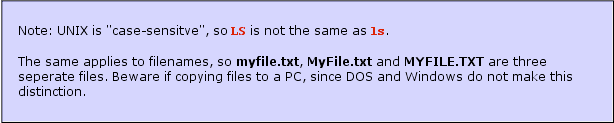
To avoid mistakes use all upper or all lower case when naming files to go on-line.
File Names should never have SPACES_use_underscores_instead.
File Names should have a 3 letter extension ".tif", ".jpg", ".mov"
Unix command lines DO NOT recognize the MOUSE CURSOR (use arrows).
A few UNIX commands:
pwd Where am I? whoami Who am I? ls list files ls -l list files long, including directory information, file size and permissions. quota list how much storage you have available and how much is used. cd (directory name) change directories (followed by the directory name. cd ~ change to your home directory cd ../ go up one directory level finger (name of person) to find the account (email of someone. finger (name of person@domain name, ie: finger brown@ucsb.edu) to find the account (email) of someone at a domain name outside your own.
cp (file name) (where) to copy a file within the same server or account. To copy to the same directory give it a different name. To copy a file to your home directory try
%: cp index.html ~
ftp (ftp server name) file transfer protocol, use this command to log into an anonymous ftp site get (file name) ~ get a file from an ftp site directly into your home account mget (file name) (file name) ~ to get more than one file from an ftp site