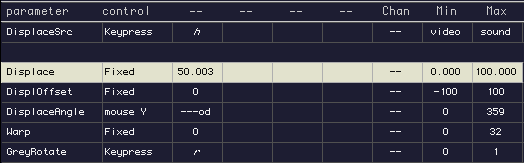
While the third channel or layer can be used as a third "keying" layer, it is actually designed to be a live "filter" temporarily altering your Foreground. This exercise uses live video to distort a QT Movie, however these may be substituted.
Make sure you have live video coming into Image/ine.
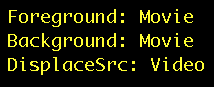
Load QT Movie into your Foreground and Background and turn off Keying and ExMode.
Select the control "Fixed" to set your Displacement at "50." (a higher number gives more distortion, a lower number gives less distortion).